01
build.gradle(:app) 열어서 VersionCode와 VersionName을 변경합니다
build.gradle은 두 개가 있습니다.
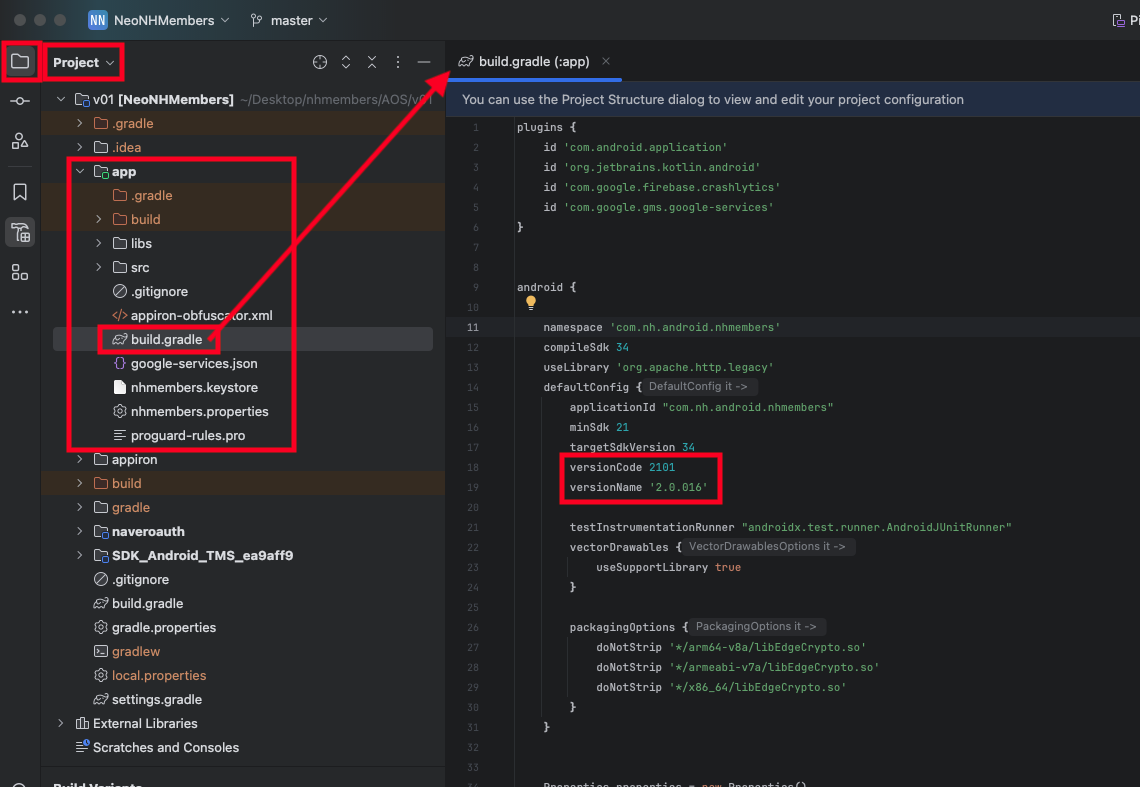
build.gradle(:app) 열어서 VersionCode와 VersionName을 변경합니다
build.gradle은 두 개가 있습니다.
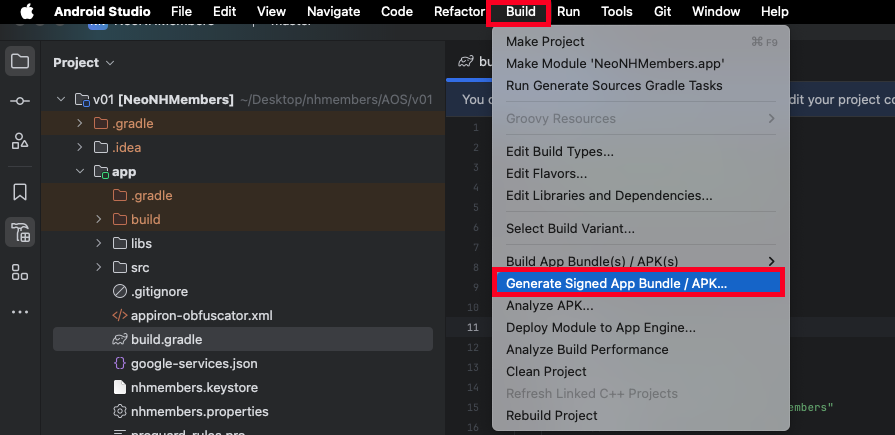
[build] > [Generate Signed App bundle] 클릭
Apk 체크 후 Next 버튼 클릭

Store Path, Store Password, Key Password 입력 후 Next 버튼 클릭

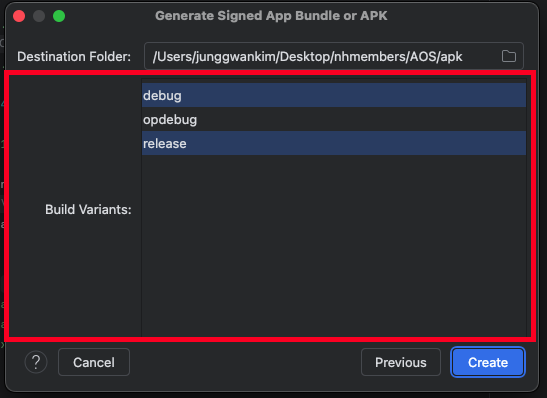
Destination Folder에 apk를 생성할 폴더를 선택

Build Variants의 debug와 release를 선택 후 Create 버튼 클릭
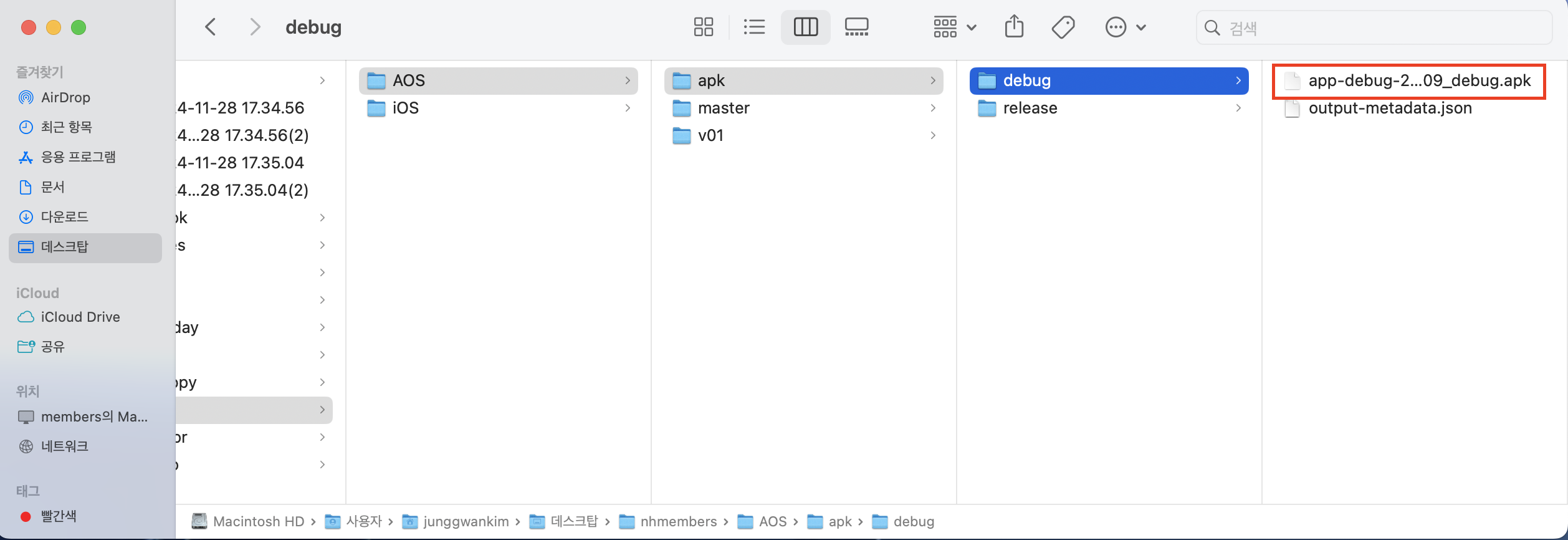
Destination Folder로 지정한 곳에 debug와 release apk가 생성됩니다.